Skip to main content
Knowledge Base
How delete individual cookies in Chrome
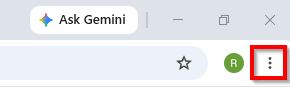
1. In Chrome click the 3 dots in the top right corner and click Settings.
2. Click Privacy and Security
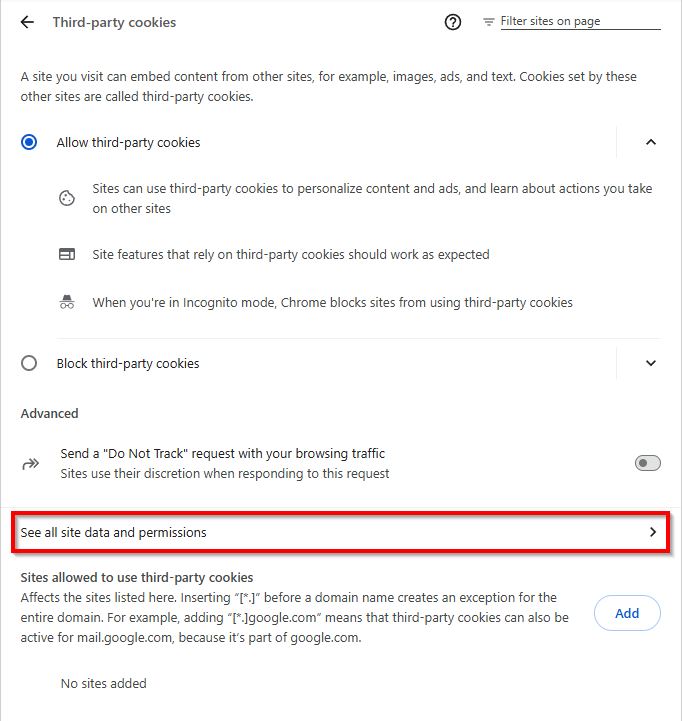
3. Click Third-party cookies
4. Click See all site data and permissions
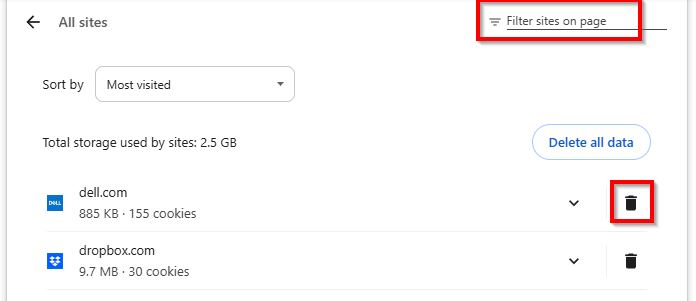
5. Use the Filter at the top of the page to search for the sites you want to delete cookies from and then click the dustbin icon.