Skip to main content
Knowledge Base
How to fix microphone that stops working in Windows 11
If your microphone isn't working in Windows 11 and you have checked Device Manager then check the following settings:
Go to Windows Settings and select System and then Sound
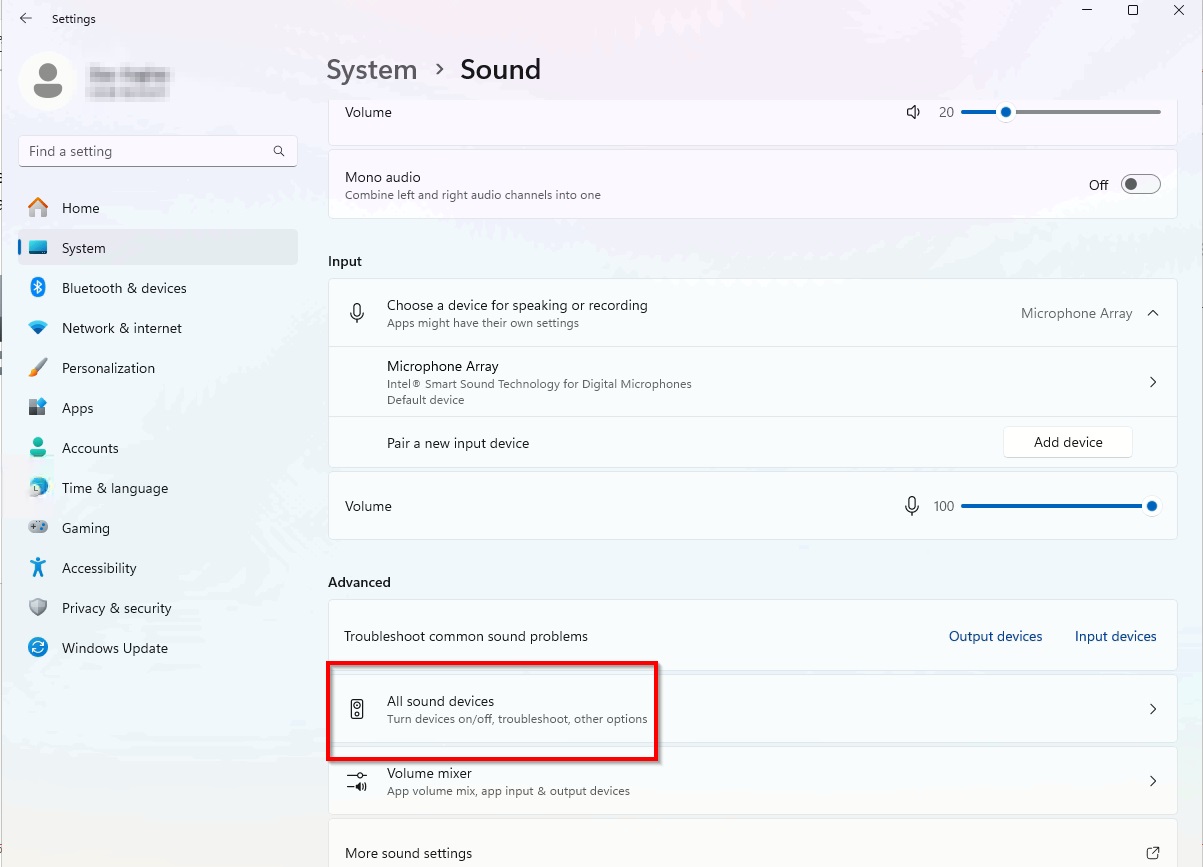
Under Advanced select All sound devices
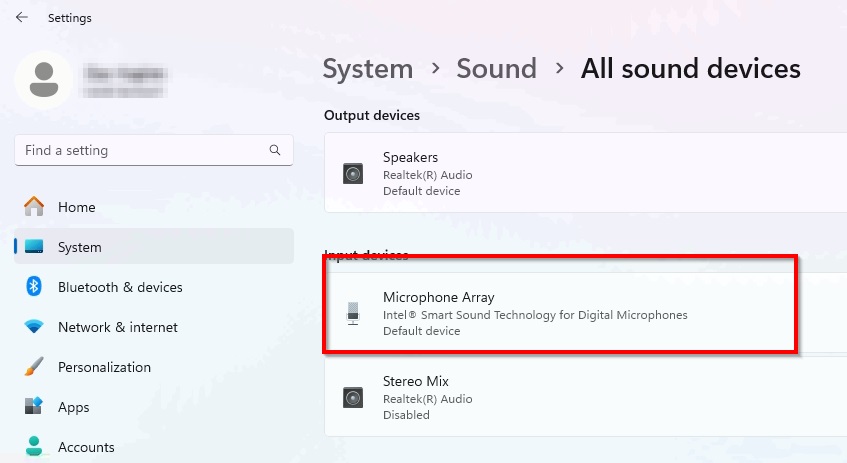
Select Microphone Array (or the default microphone)
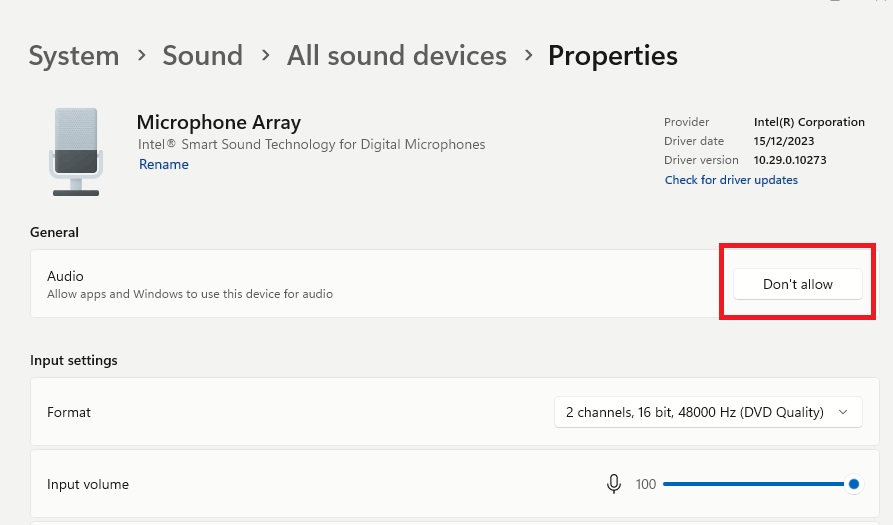
Under General and Audio click on Allow